Earlier cross-platform AI client
ChatGPT
An early experiment in carrying one conversational AI workflow across every Avalonia target.
Overview
An earlier Avalonia ChatGPT client spanning desktop, mobile, and browser, with reusable API, UI, CLI batch-processing, and Windows COM integration packages.
The earlier ChatGPT project explored one reusable conversational client across Avalonia desktop, Android, iOS, and browser targets, then extended the same API into file-oriented CLI processing and Windows COM/VBA automation.
Desktop, mobile, and browser clients
Reusable API and Avalonia UI layers
Parallel batch-processing CLI
Office/VBA COM automation
Built for
Where it fits.
- Developers studying an earlier multi-target Avalonia application
- Teams interested in file-oriented AI batch tools
- Maintainers of legacy Office and COM automation
Compatibility & status
macOS / Windows / Linux
Avalonia hosts
.NET tool
Windows bridge
In the work
Real output,
not a mockup.
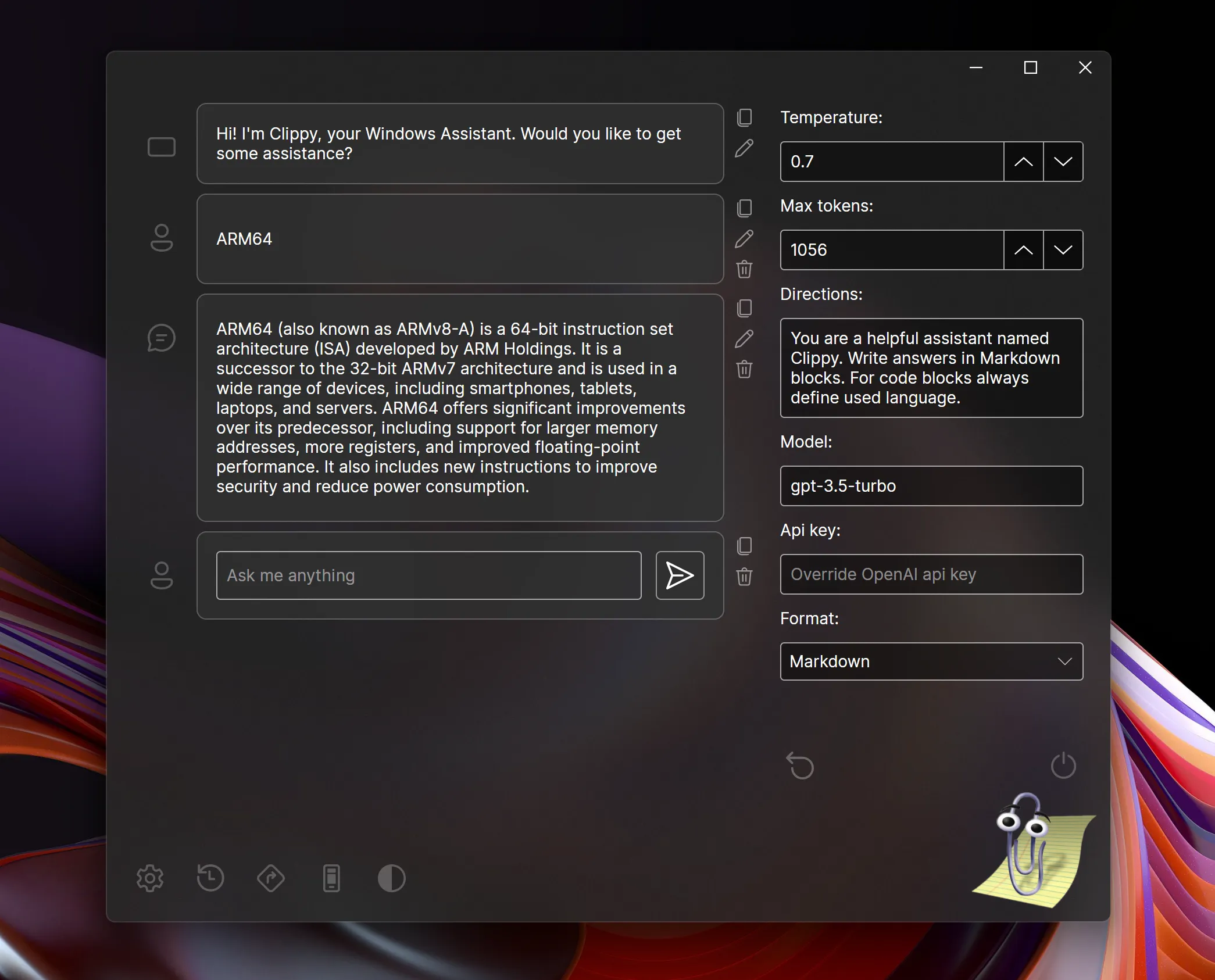
Architecture
Clear layers.
Replaceable seams.
API + core
Client, models, services, settings, and view models own conversation behavior.
UI
Reusable Avalonia controls render and edit messages across hosts.
CLI
A global tool processes file sets through configurable chat-completion prompts.
COM
A .NET Framework bridge exposes async chat and events to VBA.
Inside ChatGPT
One repository.
Multiple serious systems.
Explore the focused capabilities, their package boundaries, architecture, installation, and smallest useful example.
Reusable core and UI layers power desktop, Android, iOS, and browser hosts with conversation history, editing, Markdown/HTML rendering, API endpoint configuration, settings, and imported web-chat backups.
3 modules→02 · Prompt files in parallelBatch-processing CLIThe ChatGPT.CLI global tool accepts files or recursive directory patterns, configurable output paths and extensions, generation settings, directions, model, endpoint, verbosity, and worker-thread count for repeatable batch transformations.
1 module→03 · Chat completions from VBACOM & Office AutomationA .NET Framework COM-visible bridge exposes asynchronous chat operations and completion events to Windows automation clients, including Word and VBA translation, drafting, and form workflows.
1 module→Quick start
From package
to first frame.
Choose the package workflow used by your repository, then start from the smallest working example. Replace VERSION with the current stable or prerelease version shown on NuGet.
dotnet tool install --global ChatGPT.CLI<PackageReference Include="ChatGPT" Version="VERSION" /><PackageVersion Include="ChatGPT" Version="VERSION" />chatgpt -d ./src -p "*.cs" -e md \ --directions "Write concise API documentation for this source file."Package surface
Start focused.
Compose as needed.
Source, docs, samples, and releases
The repository is the source of truth.
Use the current documentation and samples, inspect changes, report issues, or support continued open-source maintenance.