No-airspace Avalonia video
MediaPlayer
Keep video inside the Avalonia compositor and media operations inside reusable services.
Overview
GPU-composited media playback for Avalonia with native platform backends, FFmpeg and LibVLC fallbacks, track/device APIs, and reusable editing workflows.
MediaPlayer keeps decoded video inside Avalonia composition rather than a native child window. Native and fallback providers, direct GPU upload, audio and subtitle state, diagnostics, and media-editing workflows sit behind reusable control and service boundaries.
GPU composition without airspace gaps
Native, FFmpeg, and LibVLC backends
Audio, subtitle, device, and route APIs
Trim, split, combine, export, and record
Built for
Where it fits.
- Avalonia media applications
- Desktop tools requiring video overlays and transforms
- Products with playback plus trim, export, or recording workflows
Compatibility & status
AVFoundation direction
Media Foundation direction
Fallback modes
No airspace
In the work
Real output,
not a mockup.
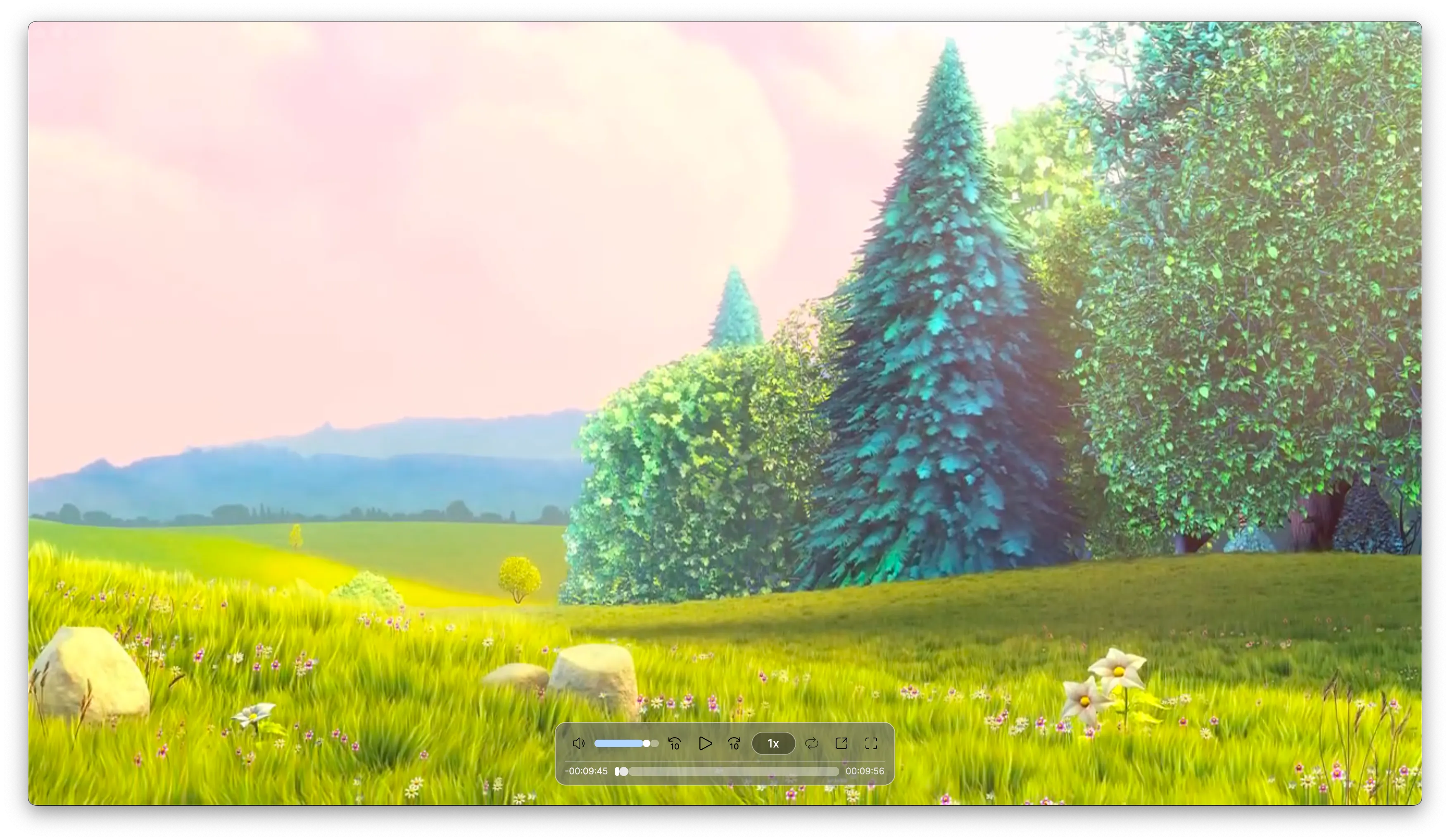
Architecture
Clear layers.
Replaceable seams.
Control
GpuMediaPlayer owns playback state, rendering, tracks, devices, routes, and shell behavior.
Contracts
Backend-neutral models describe capabilities, providers, diagnostics, and workflows.
Interop
Native provider catalogs select platform playback and media services.
Workflows
Trim, split, combine, export, transform, record, and stream removal remain reusable.
Inside MediaPlayer
One repository.
Multiple serious systems.
Explore the focused capabilities, their package boundaries, architecture, installation, and smallest useful example.
GpuMediaPlayer renders decoded video through Avalonia-hosted GPU composition with direct texture upload and compatibility copy paths, avoiding NativeControlHost airspace gaps.
1 module→02 · Native-first, fallback-readyPlayback Backends & TracksBackend-neutral contracts select macOS AVFoundation or Windows Media Foundation paths where available while keeping FFmpeg and LibVLC modes, diagnostics, audio/subtitle tracks, devices, and routes accessible.
2 modules→03 · Reusable editing and export servicesMedia WorkflowsA workflow service layer models trim, split, combine, export, transform, recording, and audio/video stream removal independently from the demo application.
1 module→Quick start
From package
to first frame.
Choose the package workflow used by your repository, then start from the smallest working example. Replace VERSION with the current stable or prerelease version shown on NuGet.
dotnet add package MediaPlayer.Controls<PackageReference Include="MediaPlayer.Controls" Version="VERSION" /><PackageVersion Include="MediaPlayer.Controls" Version="VERSION" /><media:GpuMediaPlayer Source="{Binding CurrentSource}" AutoPlay="True" PreferDirectGpuTextureUpload="True" />Package surface
Start focused.
Compose as needed.
Source, docs, samples, and releases
The repository is the source of truth.
Use the current documentation and samples, inspect changes, report issues, or support continued open-source maintenance.