Visual graph authoring
NodeEditor
Build visual programming tools without rebuilding graph interaction from scratch.
Overview
A templatable Avalonia node-and-connector editor with portable models, MVVM integrations, graph logic, and browser-ready samples.
NodeEditor provides the interaction grammar of a graph editor—selection, ports, connectors, dragging, and templating—while keeping domain logic in portable models and view models.
Nodes, ports, and connectors
XAML-driven templates
MVVM and ReactiveUI
LogicLab and browser samples
Built for
Where it fits.
- Visual programming and workflow tools
- Signal, shader, and logic graph editors
- Avalonia apps needing a custom node canvas
Compatibility & status
Supported
Sample
Integrations
Optional packages
In the work
Real output,
not a mockup.
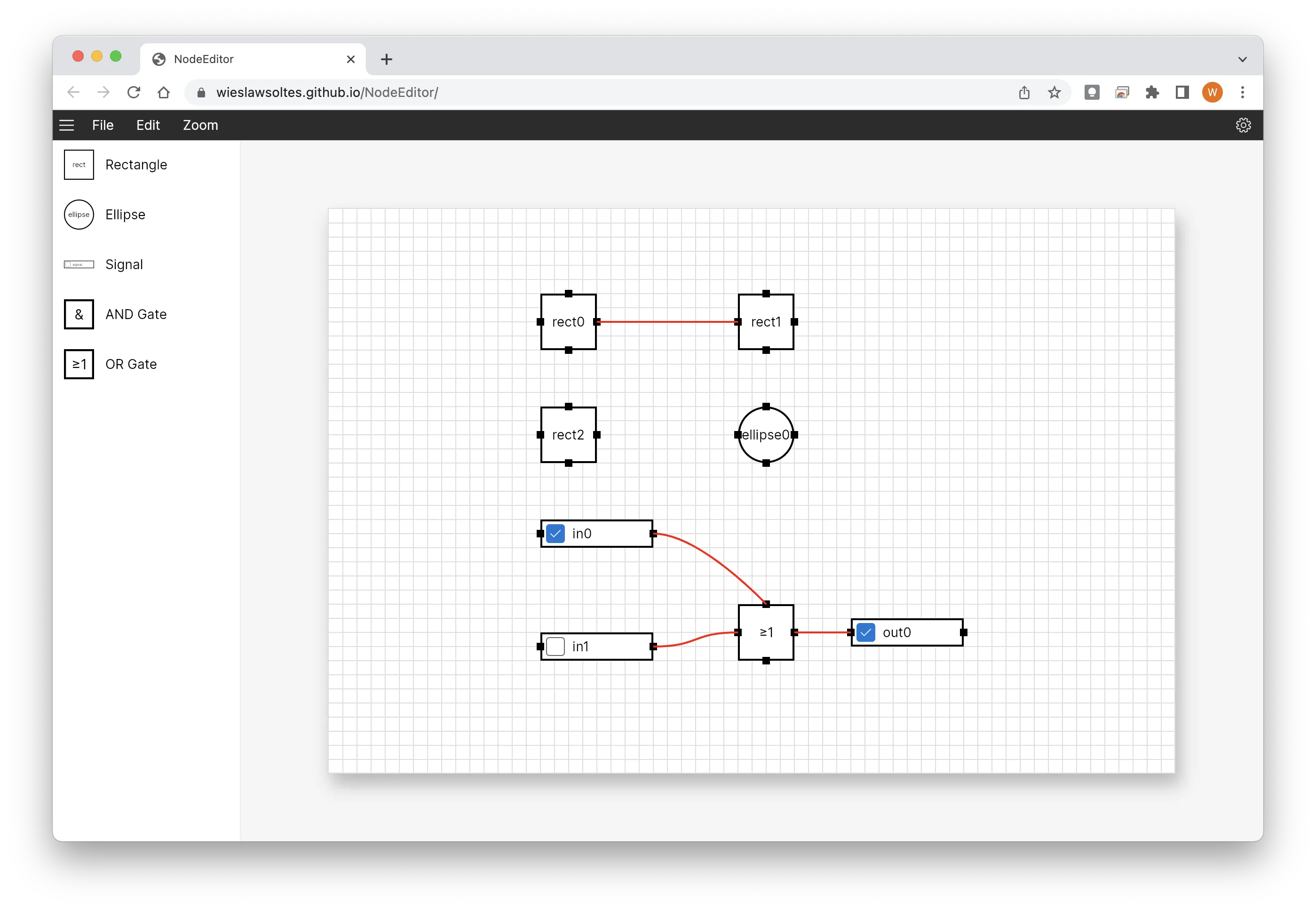
Architecture
Clear layers.
Replaceable seams.
Model
Portable nodes, sockets, connections, and graph state.
View model
MVVM and ReactiveUI adapters expose graph commands and selection.
Control
Avalonia presenters route pointer interaction and connection drawing.
Template
XAML defines each node, port, connector, and editor surface.
Inside NodeEditor
One repository.
Multiple serious systems.
Explore the focused capabilities, their package boundaries, architecture, installation, and smallest useful example.
A templatable Avalonia control and portable model for nodes, sockets, connectors, selection, viewport interaction, and graph editing.
2 modules→02 · View-model driven graphsMVVM IntegrationMVVM packages expose graph state, commands, selection, and connection workflows through bindable models suitable for application architecture and testing.
1 module→03 · Digital logic systemLogicLabA reusable logic core and editor layer turns NodeEditor into a digital circuit authoring and simulation environment with components, ports, and evaluation.
2 modules→Quick start
From package
to first frame.
Choose the package workflow used by your repository, then start from the smallest working example. Replace VERSION with the current stable or prerelease version shown on NuGet.
dotnet add package NodeEditorAvalonia<PackageReference Include="NodeEditorAvalonia" Version="VERSION" /><PackageVersion Include="NodeEditorAvalonia" Version="VERSION" /><nodeEditor:NodeEditor Nodes="{Binding Nodes}" Connectors="{Binding Connectors}" />Package surface
Start focused.
Compose as needed.
Source, docs, samples, and releases
The repository is the source of truth.
Use the current documentation and samples, inspect changes, report issues, or support continued open-source maintenance.