Hierarchical data control
TreeDataGrid
A tree and a table, resolved into one efficient control.
Overview
An Avalonia control that presents hierarchical and tabular data together with flat and tree modes, configurable virtualization buffers, retained-row lifecycle hooks, displayed-row lookup, layout diagnostics, and selection models.
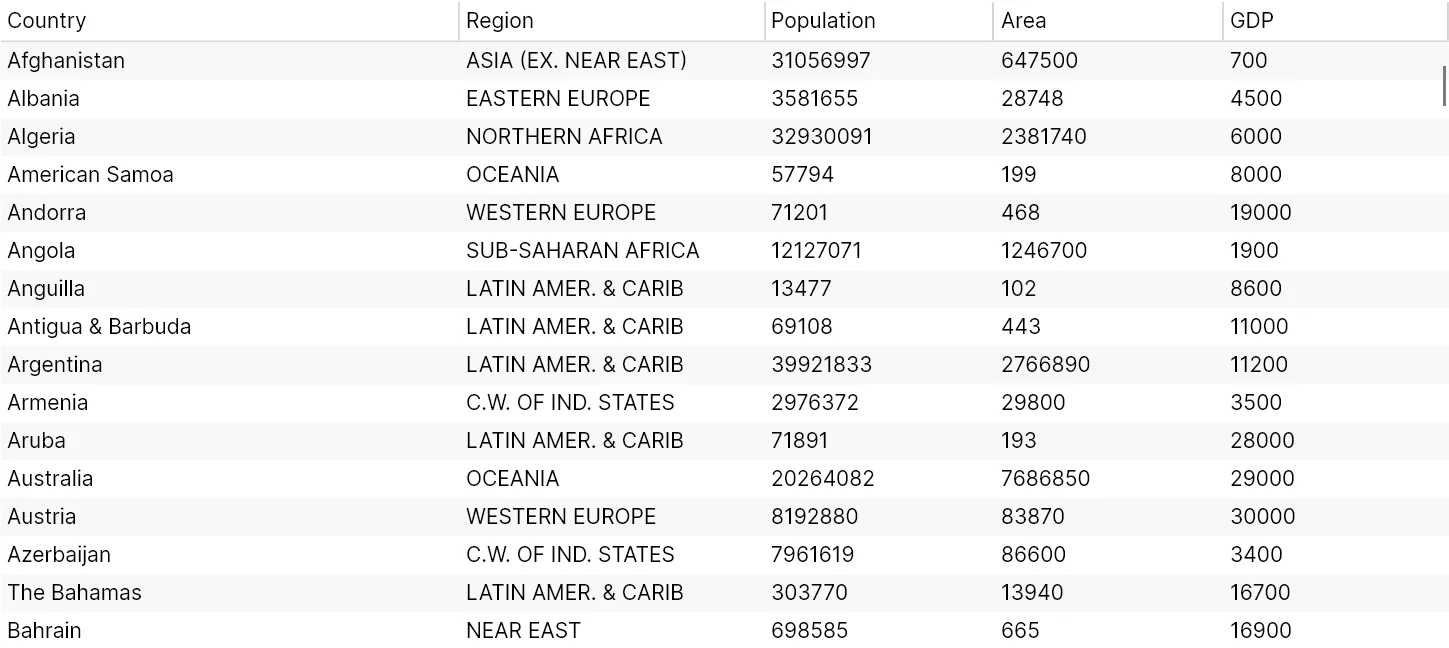
TreeDataGrid combines hierarchical expansion with tabular columns and virtualized presentation. The model layer supports flat and hierarchical sources, typed columns, sorting, selection, displayed-row lookup, while opt-in buffers, retained-element lifecycle hooks, and layout diagnostics make virtualization tunable and observable.
Hierarchical and flat modes
Code or XAML columns
Selection and displayed-row lookup
Buffered virtualization, lifecycle hooks, and diagnostics
Built for
Where it fits.
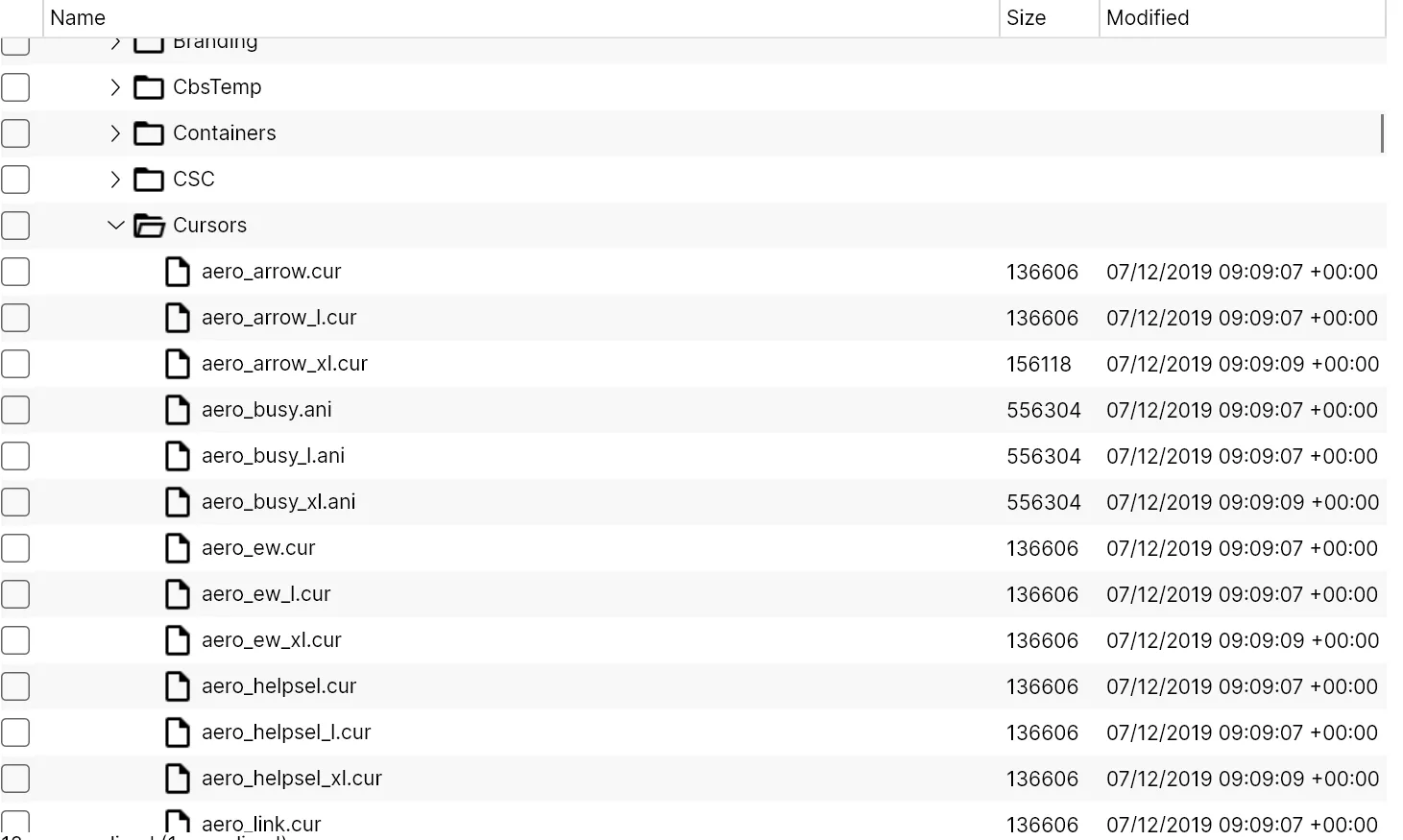
- File explorers and object browsers
- Hierarchical business data
- Apps that need tree semantics with table density
Compatibility & status
Supported
Supported
Supported
Supported
In the work
Real output,
not a mockup.
Architecture
Clear layers.
Replaceable seams.
Model
Application state stays in portable domain objects and view models.
Control
Avalonia controls expose focused properties, commands, and events.
Theme
Templates and styles make the surface adaptable to each application.
Quick start
From package
to first frame.
Choose the package workflow used by your repository, then start from the smallest working example. Replace VERSION with the current stable or prerelease version shown on NuGet.
dotnet add package TreeDataGrid<PackageReference Include="TreeDataGrid" Version="VERSION" /><PackageVersion Include="TreeDataGrid" Version="VERSION" /><TreeDataGrid ItemsSource="{Binding People}"> <TreeDataGridTextColumn Header="Name" Binding="{Binding Name}" /> <TreeDataGridTextColumn Header="Role" Binding="{Binding Role}" /></TreeDataGrid>Package surface
Start focused.
Compose as needed.
Source, docs, samples, and releases
The repository is the source of truth.
Use the current documentation and samples, inspect changes, report issues, or support continued open-source maintenance.